

MIMIFILE IDENTIFY
Identify your file, then convert it online
Drop a file to detect its real format from content evidence before choosing a compatible converter or editor. MimiFile checks signatures, container structure and format-specific markers locally first, then routes supported files to the right tool.
✓ Free to use✓ No account required
Drop any file hereThe first identification runs locally in your browser. Your file is not uploaded.
or search for a conversion
File processingTemporary files10 languages

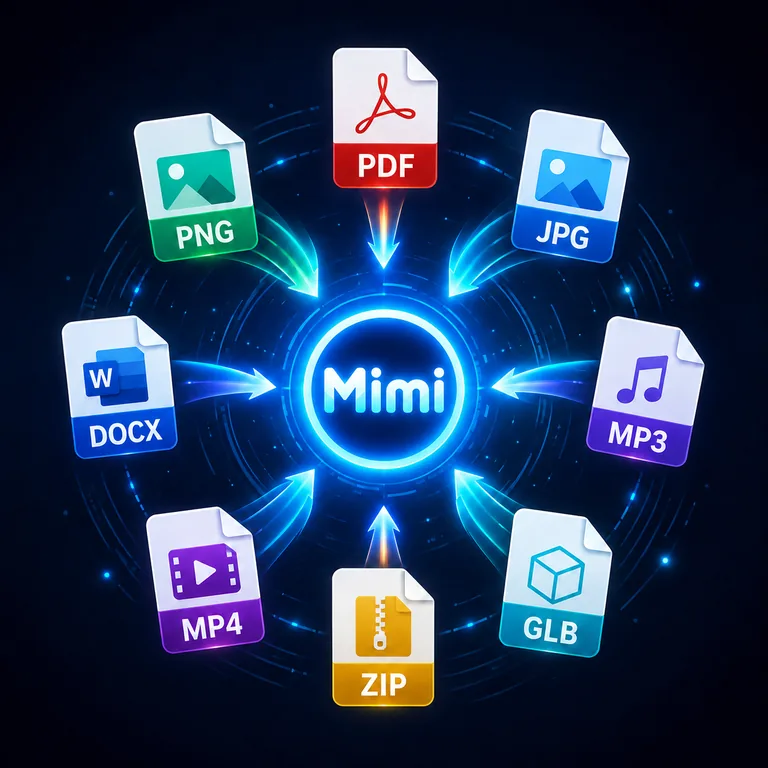
What MimiFile can do
One workspace to identify, convert and edit files
MimiFile identifies the real file format, then connects it to the right studio. Images, PDFs, documents, data, audio, video, archives, 3D, sheet music, units and currencies are handled from the same workspace without an account.
ImagesPDFDocumentsDataAudioVideoArchives3DMusic ToolsUnits & valuesCurrencies
File processingEach file type uses the conversion service suited to it. Results are provided as temporary downloads.
Temporary filesUploaded files are kept only for the processing and download period, then removed automatically.
10 languagesThe interface and public pages are available in 10 languages.
EXPLORE
Browse all tools →Files
ImagesImage editor · Convert images · Compress images
PDFPDF Studio · Images → PDF
DocumentsDocument converter · Extract text
DataData converter
AudioAudio studio
VideoVideo studio
ArchivesArchive studio
3D3D studio
Music ToolsMusic Tools
Units & valuesConvert anything. Even the unlikely. · 21 conversion families
CurrenciesYour money speaks every language.
POPULAR
Popular conversions
FILE IDENTIFICATION & CONVERSION
Open file identifier →From an unknown file to the right conversion
What can I do with a file on MimiFile?Start by dropping the file into MimiFile. The local identifier determines its likely real format from content evidence, shows useful technical details and points supported formats to compatible converters or editors.
Do I need to know the file extension before converting?No. MimiFile can inspect the content first, so a missing or incorrect extension does not have to be your starting point. Once the format is identified, use one of the supported output paths shown for that file type.
Is MimiFile free and usable without an account?Yes. MimiFile's public conversion and value tools are designed to be used without creating an account. Format-specific file-size, processing and safety limits still apply where required.
Does MimiFile upload my file just to identify it?The default identification reads bounded portions of the file locally in your browser. A server upload begins only when you deliberately continue to a MimiFile tool that requires server-side processing.
Is changing a file extension the same as converting it?No. Renaming an extension changes only the filename. A supported MimiFile conversion reads the source structure and generates output in the destination format, subject to the capabilities and limits of both formats.